Themes with personality
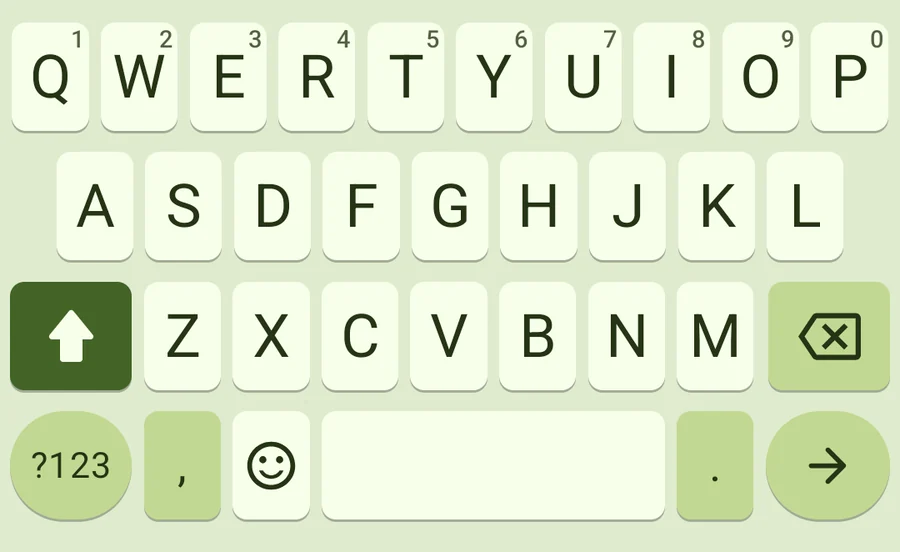
Move from the familiar Apple Original look to green, red, orange, or burgundy.
 Green Apple Keyboard
Made for Android · made personal
Meet Green Apple Keyboard: expressive themes and useful typing tools in a keyboard designed for everyday messages.
For Android phones
A better everyday feel
Choose a look, get helpful suggestions, and pick the input style that fits the moment.
Move from the familiar Apple Original look to green, red, orange, or burgundy.
Suggestions, corrections, and personal dictionary controls help you find the words you want.
Use glide typing, voice input, and clipboard tools when tapping each key is not the quickest way.
Pick your palette
These are real captures of the themes currently available in the app.
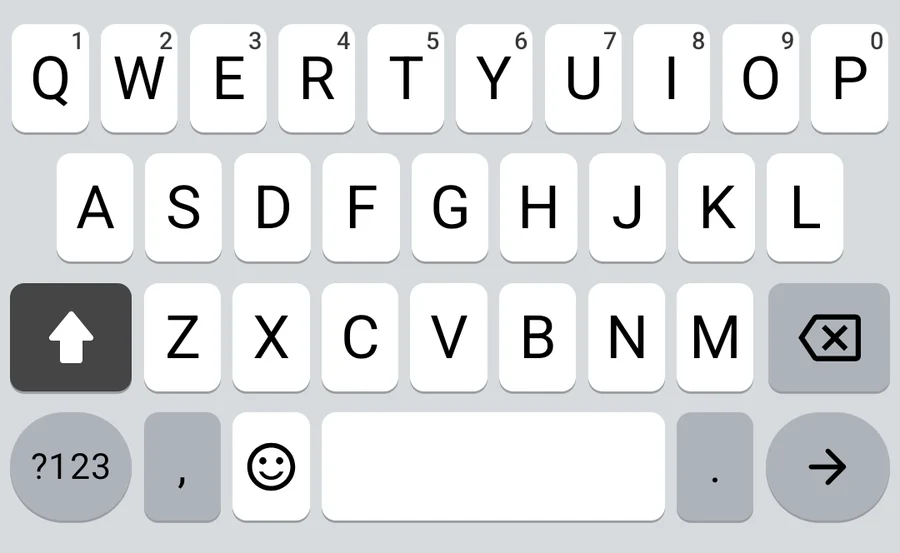
Clean and classic
Soft and fresh
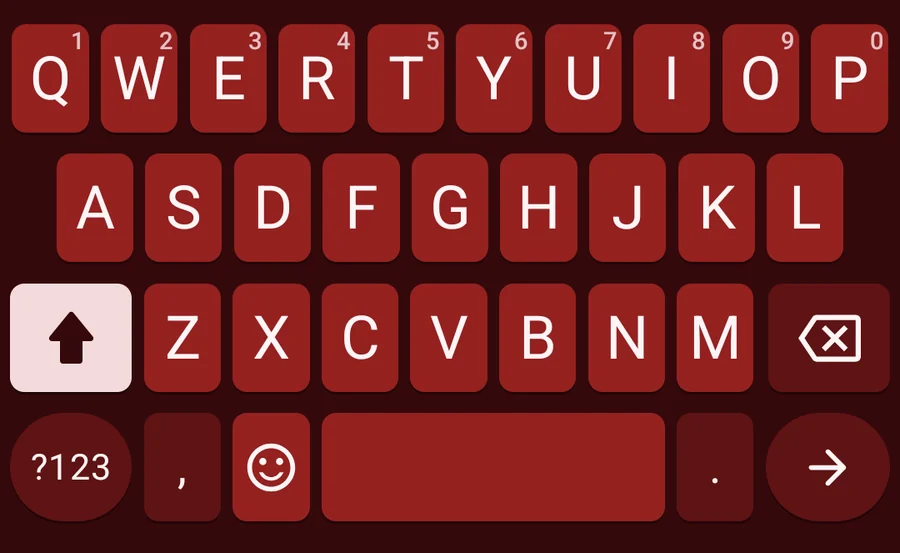
Bold and bright
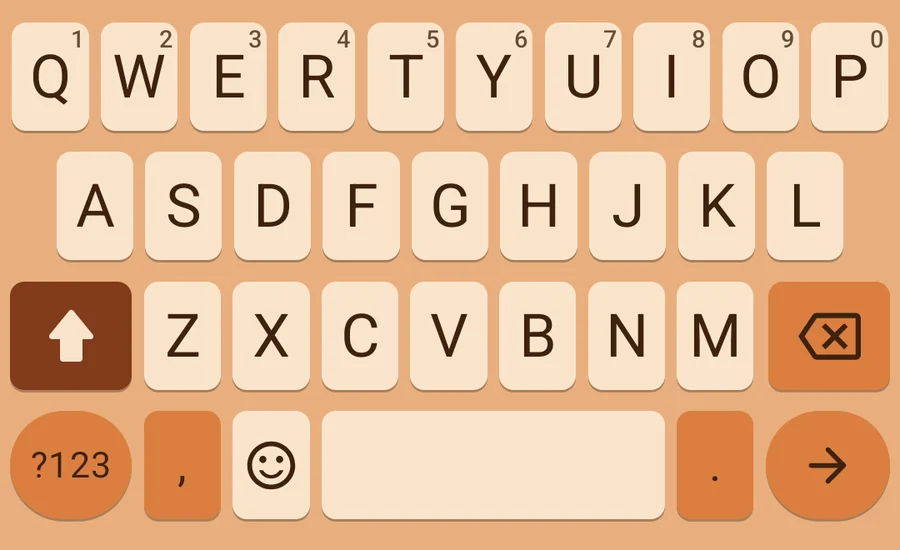
Warm and lively
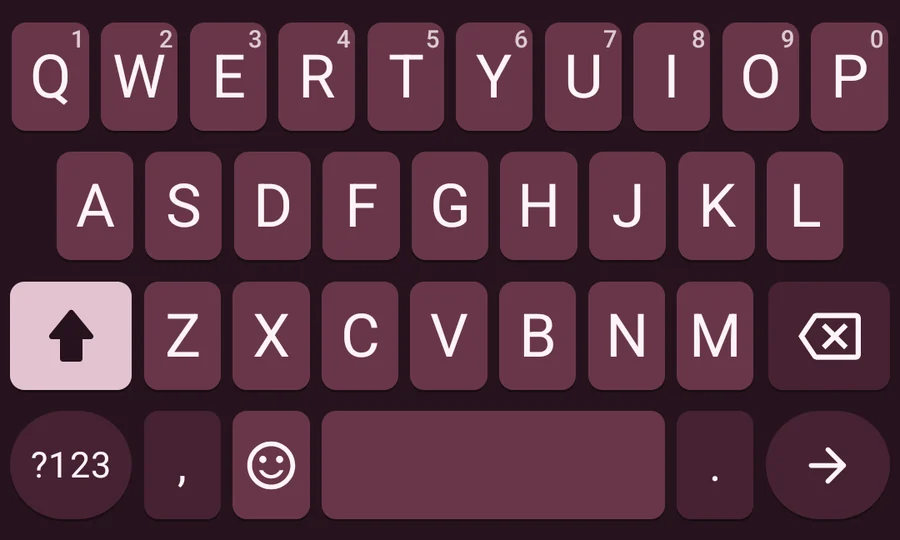
Rich and expressive
Ready in a few steps
The app guides you through enabling and selecting the keyboard. Connecting a Google account is optional.
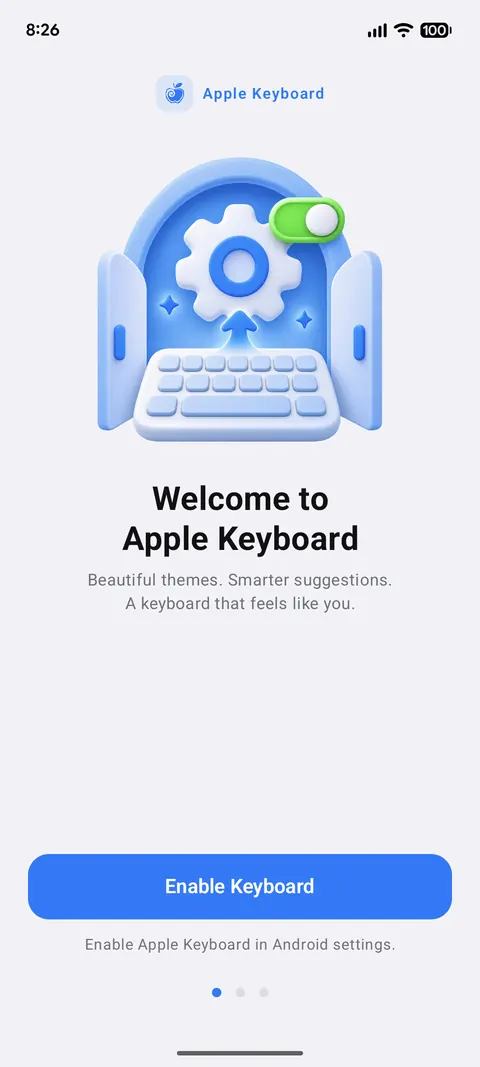
Open the app and tap Enable Keyboard. Android will open its keyboard settings.
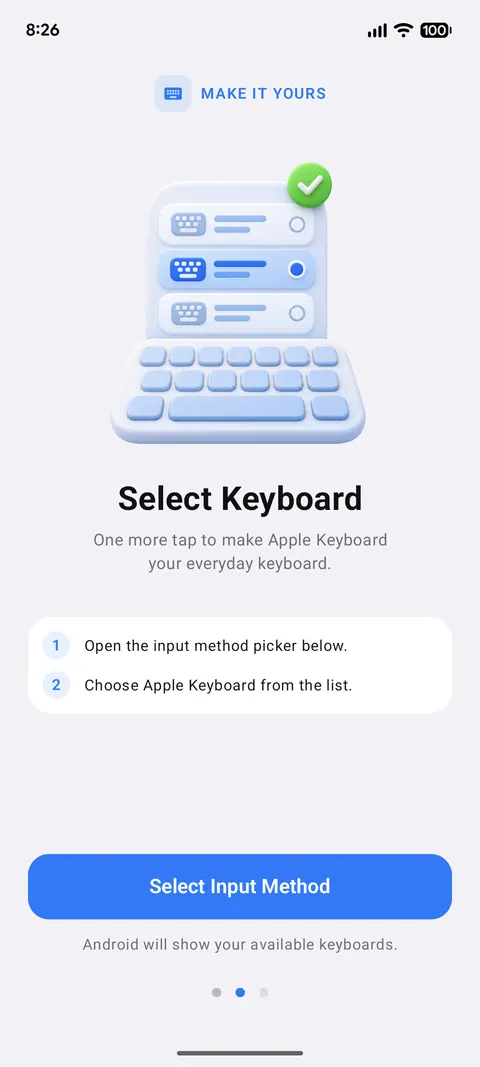
Tap Select Input Method, then choose Apple Keyboard from Android’s list.
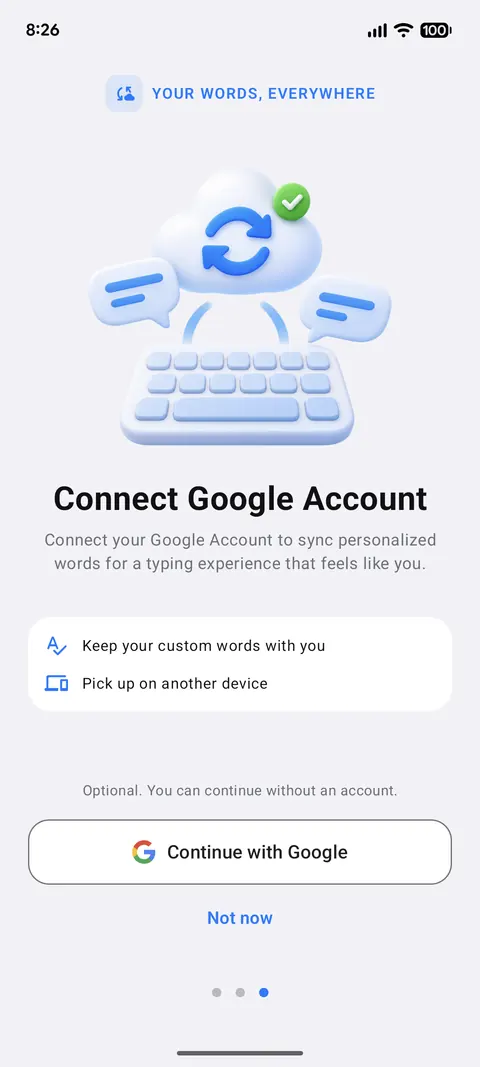
Connect a Google account or tap Not now. You can explore themes in Settings.
Find clear setup steps and answers to common questions.